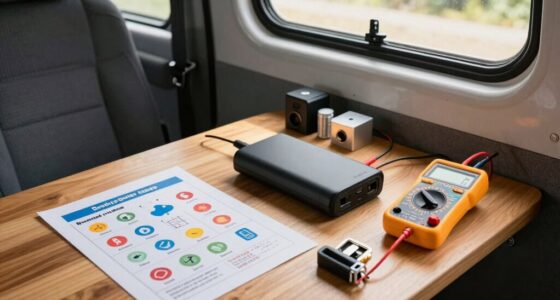
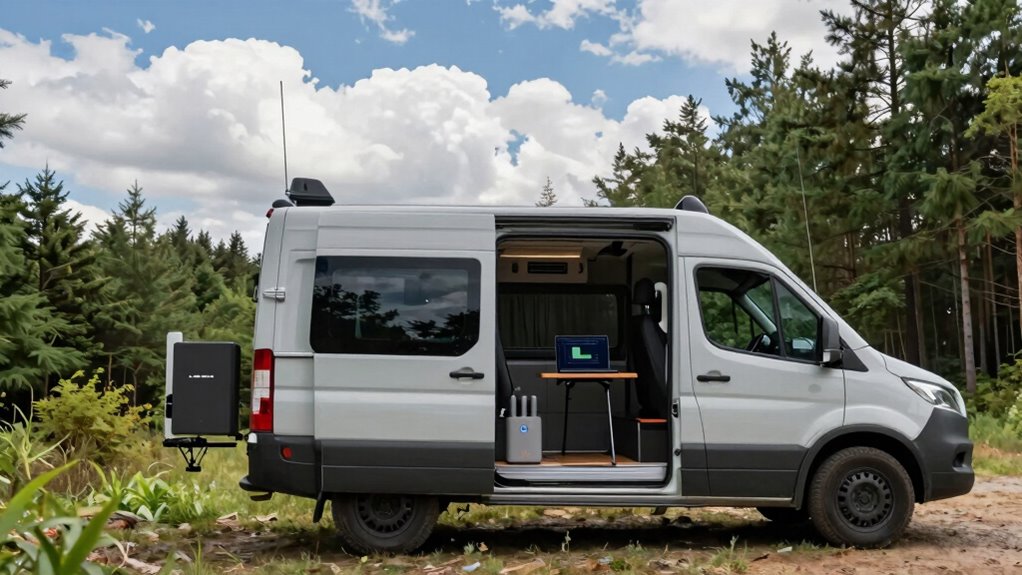

Even with a signal booster and full bars, your van’s internet might still be slow because signal strength isn’t the only factor affecting speed. Network congestion, interference, and equipment limitations can all reduce your actual data transfer rates. More bars don’t guarantee faster speeds, especially if your provider’s tower is overwhelmed. To get better performance, you need to take into account these factors; keep exploring to learn how to optimize your connection effectively.

Get travel and outdoor gear delivered free — and shop member deals
- Fast, free delivery on millions of items
- Access to Prime Big Deal Days deals on October 6–7
- Prime Video, Amazon Music and more included
Key Takeaways
- Signal bars indicate signal quality, not actual data speed; high bars don’t guarantee fast internet.
- Network congestion and tower overload can cause slow speeds despite full signal bars.
- Environmental factors and interference may degrade connection quality even with strong signal strength.
- Hardware limitations or improper antenna placement can prevent achieving optimal internet speeds.
- Signal boosters enhance cellular reception but can’t overcome network congestion or data plan throttling.
cell phone signal booster for van
As an affiliate, we earn on qualifying purchases.
As an affiliate, we earn on qualifying purchases.
How Is Signal Strength Measured, and What Does It Really Mean?
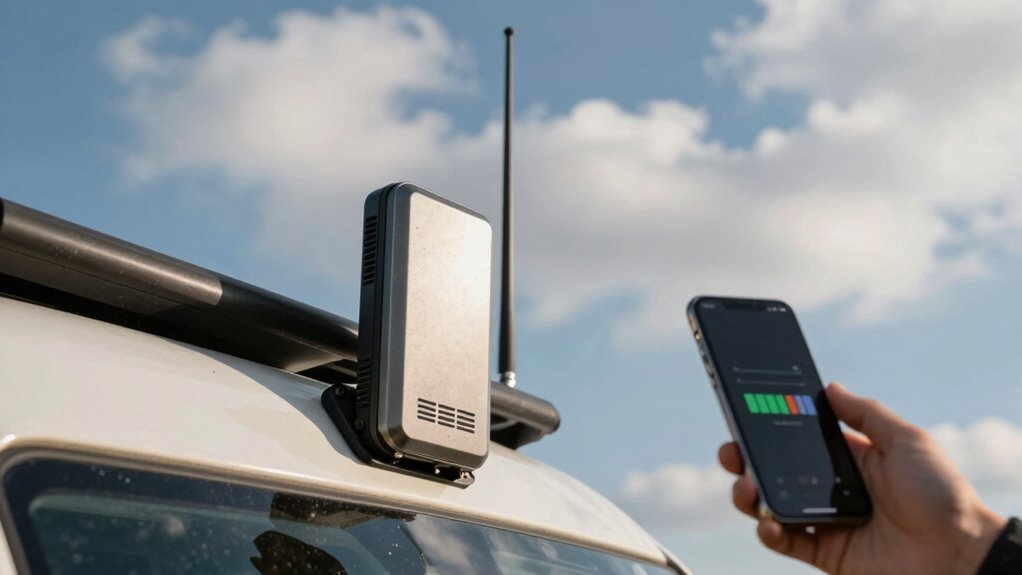
Have you ever wondered how your phone or communication device determines how strong a signal really is? Signal strength isn’t just about the number of bars you see—it’s measured by signal quality, which reflects how reliably data can be transmitted. Devices assess signal quality through metrics like signal-to-noise ratio and connection stability. This measurement directly impacts data throughput, meaning how much data can flow through your connection at once. A strong signal with high quality allows for faster downloads, smoother streaming, and better overall performance. Additionally, factors like signal-to-noise ratio can influence the effective data transfer rate, even when signal bars appear full. However, even with full bars, the actual data throughput can vary depending on interference and network congestion. So, understanding how your device gauges signal strength helps you grasp why sometimes more bars don’t mean better internet.
Why More Signal Bars Don’t Always Mean Faster Internet
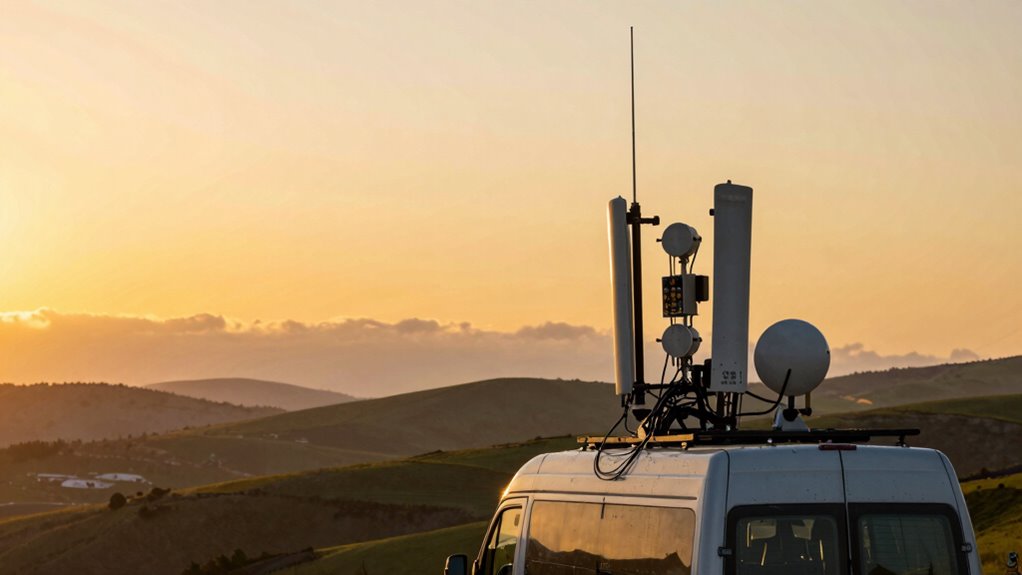
Having more signal bars doesn’t guarantee faster internet; connection speed depends on more than just signal strength. Network congestion can slow your internet even if your bars are full. Keep in mind that a strong signal isn’t the only factor influencing your browsing speed. Additionally, the quality of your signal can be affected by high refresh rates, which influence how quickly data is transmitted and received.
Signal Strength Isn’t Speed
Just because your phone shows full signal bars doesn’t mean your internet will be blazing fast. Signal strength indicates how well your device can connect to the network, but it doesn’t measure speed. Several factors can slow you down despite strong signals:
- Antenna orientation – Adjusting your antenna can improve signal quality, but not necessarily speed.
- Signal interference – Nearby electronic devices or physical barriers can cause interference, reducing data transfer rates.
- Network congestion – Many users on the same tower can slow everyone’s speed, even if your signal bars are high.
- Bandwidth limitations – Your plan’s data cap or network restrictions can limit actual speeds, regardless of signal strength.
- Cold medication side effects – Certain medications can cause drowsiness or dizziness, which might affect your perception of internet speed.
Understanding these factors helps you realize that more bars don’t always mean faster internet.
Network Congestion Matters
Even if your phone shows full signal bars, network congestion can still slow down your internet speeds. When too many users connect to the same cell tower, bandwidth gets divided, leading to slower data transfer. Cell tower proximity matters—being close usually improves connection quality, but congestion can negate that advantage. Additionally, antenna orientation plays a vital role; if your antenna isn’t properly aligned, you might not get the best possible signal, even if the tower isn’t crowded. During peak times, everyone’s demand for bandwidth increases, causing slowdown regardless of signal strength. So, don’t rely solely on signal bars. Instead, consider factors like tower proximity and antenna positioning to truly optimize your internet speed while on the road.
What Factors Else Affect Your Van Internet Speed
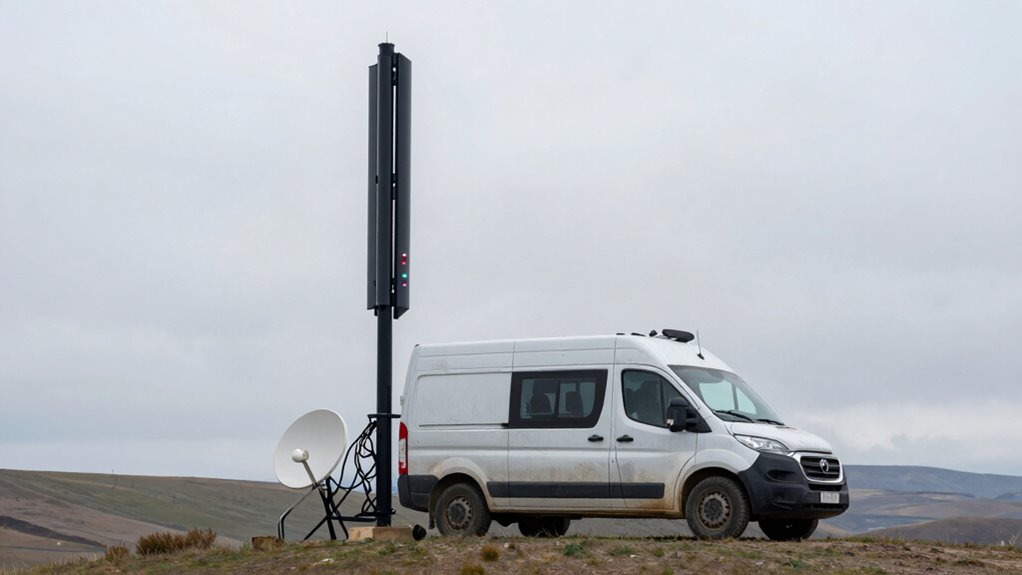
Several factors beyond your signal booster can influence your van’s internet speed. First, antenna orientation matters—pointing your antenna correctly can *substantially* improve signal quality. Second, your data plan plays a role; limited data caps or throttling can slow your connection. Third, network congestion in the area can cause slowdowns even with a strong signal. Fourth, the quality of your modem and router impacts speed; outdated or low-quality devices can bottleneck your connection. Additionally, environmental factors like trees, buildings, or weather can interfere with signals. Keep your antenna properly aligned, choose a data plan that fits your usage, be aware of local network traffic, and upgrade your equipment when needed. You can also optimize your setup by understanding StyleGuru.org for tips on device care and user reviews. These factors can make a noticeable difference in your van’s internet performance.
Common Myths About Signal Boosters and Connectivity
Many believe that signal boosters are the same as Wi-Fi, but they actually enhance cellular signals, not internet hotspots. Remember, more bars don’t necessarily mean faster speeds, since network congestion can slow you down even with a strong signal. Understanding these myths helps you set realistic expectations and get the most out of your connectivity. For example, electric bikes like the KTM electric dirt bike highlight how powerful and efficient wireless technology can be, but even with strong signals, performance depends on multiple factors like network load and device compatibility electric bike horsepower.
Signal Boosters Are Not Wi-Fi
It’s a common misconception to think signal boosters provide Wi-Fi, but that’s not the case. Signal boosters amplify cellular signals, not internet connections directly. Here’s what you should know:
- Wi-Fi interference can disrupt your network even if your signal booster is working well.
- Bluetooth conflicts may cause connectivity issues, despite a strong cellular signal.
- Boosters don’t create Wi-Fi hotspots; they only improve cellular reception.
- Relying solely on a booster won’t solve issues like router placement or Wi-Fi signal strength.
- Understanding the difference between cellular and Wi-Fi signals is essential for effective connectivity management. Free Floating
Understanding this helps you avoid false expectations and ensures you don’t mistake a strong cell signal for fast internet. Boosters improve cellular reception, but Wi-Fi and Bluetooth issues require different solutions.
More Bars Doesn’t Equal Speed
Having a full signal bar doesn’t necessarily mean your internet will be fast. Signal strength on your device can be misleading, especially if the antenna orientation isn’t optimized. A strong signal doesn’t guarantee high data speeds; network congestion and signal quality also play roles. Proper booster placement is essential—position it where it can receive a clear, unobstructed signal. Adjusting antenna orientation can markedly improve performance by targeting the strongest signal source. Remember, more bars only indicate better reception, not necessarily faster downloads or uploads. To truly boost your internet speed, focus on optimizing booster placement and ensuring your antenna points correctly toward the nearest cell tower. Additionally, understanding signal quality can help you identify the best locations and configurations for your booster, maximizing your connection performance. This approach helps you get the most out of your signal booster, beyond just a higher bar count.
Network Congestion Matters More
While a strong signal booster can improve your reception, network congestion often has a bigger impact on your internet speed. When many users connect to the same cell tower, bandwidth gets divided, slowing everyone down. Your booster can’t fix this overload. To understand this, consider:
- High traffic at busy cell towers causes slow speeds regardless of signal strength.
- Overcrowded frequency bands become congested, limiting data flow.
- Even with a booster, if the tower is overloaded, your connection suffers.
- Upgrading your plan or switching to less congested towers can make a bigger difference.
- Incorporating holistic SEO strategies such as content relevancy and user experience can help mitigate connectivity issues by improving overall site engagement.
How Network Congestion and Distance Impact Your Connection

Network congestion and distance from cell towers can substantially slow down your connection or cause it to drop altogether. When you’re far from a cell tower, your signal weakens, and your device struggles to maintain a stable link. Cell tower proximity plays a vital role—closer towers generally mean faster, more reliable service. However, even if you’re near a tower, frequency interference from other devices or network traffic can reduce speeds or cause interruptions. During peak hours, network congestion worsens the problem, as many users compete for limited bandwidth. This combination of factors can leave you with a strong signal indicator but sluggish or inconsistent internet. Understanding how distance and congestion affect your connection helps you troubleshoot issues and plan better for improved performance. Additionally, optimizing your device’s flywheel and engine performance can help ensure your hardware is running efficiently, minimizing the impact of network issues on your overall connectivity.
Tips to Boost Your Van’s Internet Speed on the Road

To boost your van’s internet speed on the road, start by choosing the right equipment. First, optimize your antenna orientation; pointing it correctly can substantially improve signal strength. Second, consider upgrading your antenna to one designed for higher frequencies or better gain. Third, be aware of data throttling from your provider; avoid exceeding data caps to prevent slower speeds. Fourth, use a signal booster with a strong, stable connection, but remember that even the best setup can’t eliminate all slowdowns caused by network congestion. Regularly adjusting your antenna and monitoring your data usage can make a noticeable difference. Additionally, smart network management tools can help optimize your connection by prioritizing bandwidth for critical applications. Keep these tips in mind to maximize your internet speed and enjoy a smoother van life experience.
When Should You Upgrade Your Signal Booster or Setup?
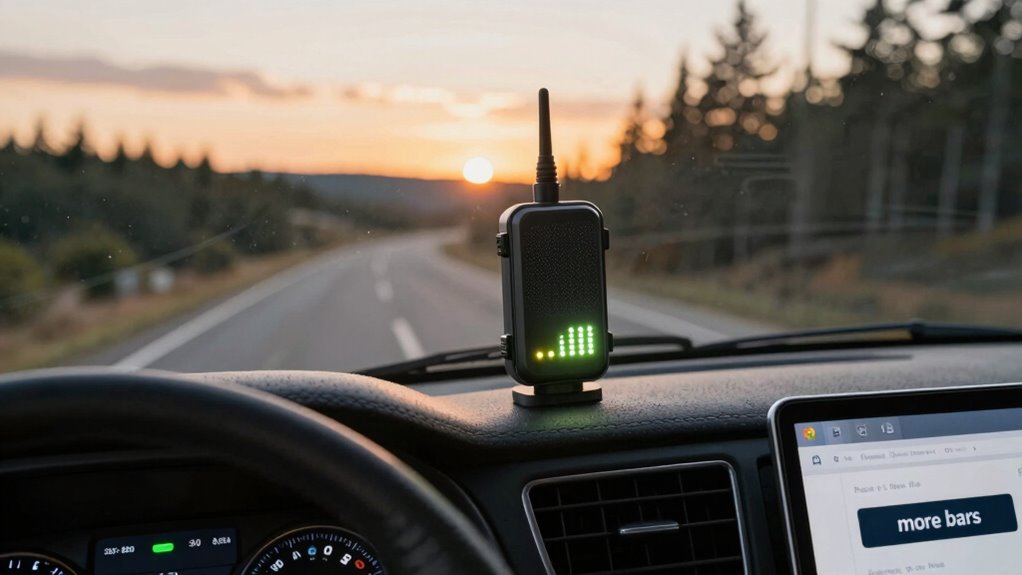
Knowing when to upgrade your signal booster or setup is essential for maintaining reliable internet on the road. If you notice persistent weak signals despite adjusting antenna orientation, it’s time to contemplate an upgrade. Poor booster placement can limit performance, so repositioning the booster or antenna might help, but if issues continue, a new, more powerful booster could be necessary. Also, if your current setup doesn’t support the latest networks or frequencies, upgrading ensures compatibility and better speeds. Regularly evaluate your connection quality—dropping signals, slow uploads, or frequent disconnects signal it’s time for an upgrade. Remember, a well-placed antenna and proper booster placement make a significant difference. When these adjustments no longer improve your signal, it’s a clear sign to invest in a new setup.
How to Test and Improve Your Van’s Connectivity Effectively
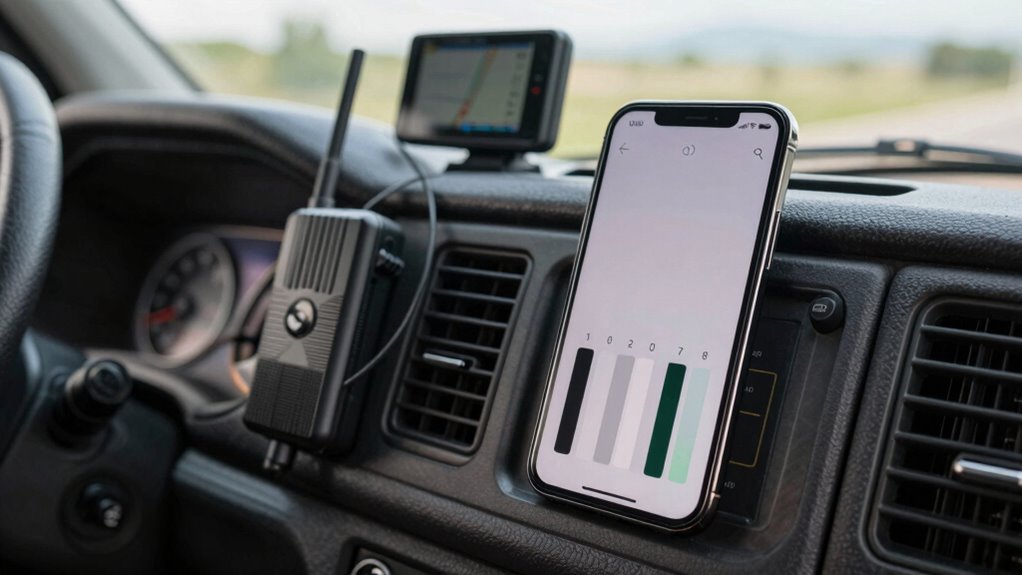
If you’ve tried repositioning your antenna and adjusting your booster but still face inconsistent signals, it’s time to evaluate your setup systematically. First, verify your antenna placement by moving it to higher or clearer spots to maximize signal reception. Next, check device compatibility to ensure your booster supports your network bands and devices. Then, use a signal testing app or device to measure signal strength at different locations and antenna positions. Record the results to identify the best spot for your antenna. Finally, test your booster’s performance by comparing internet speeds before and after adjustments. Repeating these steps helps you fine-tune your setup, ensuring you get the most reliable and fastest connectivity possible for your van life adventures.
Frequently Asked Questions
Can Signal Boosters Work With All Mobile Carriers?
Signal boosters can work with most mobile carriers, but you need to check carrier compatibility before buying. Not all boosters are compatible with every network, so booster limitations may affect performance. Some boosters are designed specifically for certain carriers or bands, ensuring ideal signal strength. Always verify that the booster supports your carrier’s frequency bands to avoid issues and maximize your internet speed while van living.
What Is the Average Cost of a Good Signal Booster?
You’ll typically spend around $300 to $800 on a good signal booster, depending on your needs. For example, a mid-range model like the WeBoost Drive X can cost about $500, offering features like multi-device support and easy installation. When doing a cost comparison, consider booster features such as power output and compatibility. Investing wisely guarantees you get reliable signal enhancement without overspending, especially for van life adventures.
Do Signal Boosters Drain My Van’s Battery Quickly?
Signal boosters do consume power, but they generally won’t drain your van’s battery quickly if you use a quality unit. Their power consumption depends on the model and how often you use it, but most are designed to be energy-efficient. To avoid battery drain, consider turning off the booster when not needed or installing a secondary power source. Proper use helps balance signal strength and power efficiency effectively.
How Do Weather Conditions Affect Signal Booster Performance?
Weather conditions can considerably impact your signal booster’s performance. Weather interference like heavy rain, snow, or storms causes signal attenuation, weakening the signal your booster amplifies. This results in slower internet speeds or inconsistent connections. To minimize this, position your booster properly and avoid extreme weather when possible. Keep in mind, even in bad weather, a good quality booster can help maintain a more stable connection, though speeds may still be affected.
Are There Legal Restrictions on Using Signal Boosters in Certain Areas?
Yes, there are legal restrictions on using signal boosters in certain areas. You need to follow booster regulations set by your country, like FCC rules in the U.S., which often require using approved devices and proper registration. If you disregard these legal restrictions, you risk fines or confiscation. Before installing a booster, check local laws to ensure you’re compliant, and always choose certified equipment to stay within regulations.
Conclusion
Remember, chasing more bars is like filling a bucket with a tiny hole — it might look full, but the water never truly stays. Your internet speed depends on more than just signal strength; it’s about understanding the whole system. So, don’t just rely on the bars. Test, tweak, and stay curious. With a little patience and the right setup, you can turn your van’s connectivity from a trickle into a steady stream.
Halloween Picks
halloween
As an affiliate, we earn on qualifying purchases.