
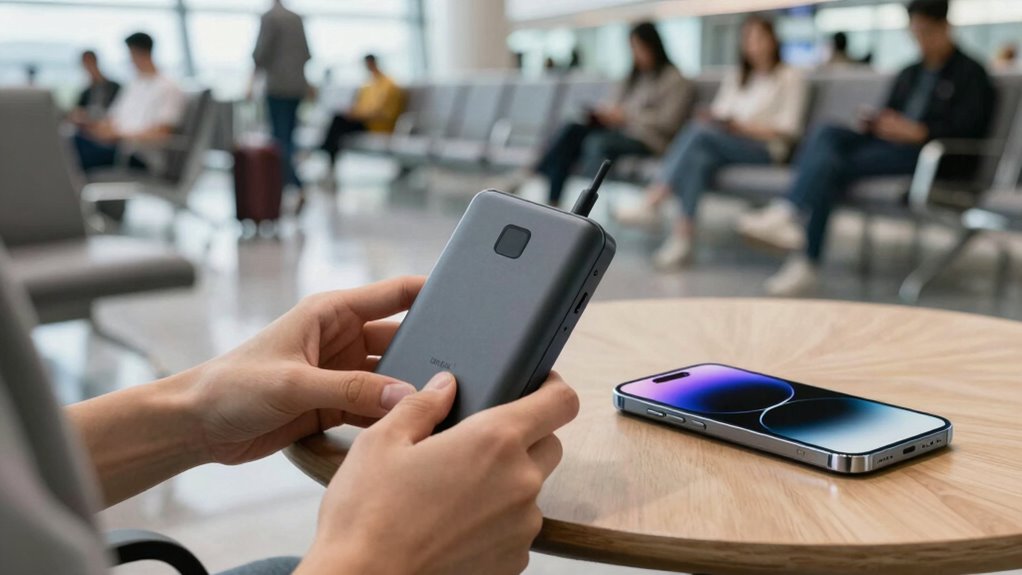

To avoid running out of battery during your travels, plan your power sources ahead of time. Calculate your device’s power needs, pack reliable portable chargers or solar panels, and identify nearby charging spots along your route. Reduce unnecessary battery drain by adjusting settings and turning off unused features. Incorporate simple habits like charging during low usage periods and carrying backup cables. Keep your devices powered and stress-free — learn more tips to stay connected throughout your journey.
Key Takeaways
- Plan your power sources and charging stops along your route to ensure devices stay charged throughout your trip.
- Use portable chargers, solar panels, and wireless charging accessories to supplement device power on the go.
- Manage device settings by lowering brightness, disabling unnecessary features, and closing background apps to conserve battery.
- Maintain good charging habits, such as keeping batteries between 20-80% and using quality cables and adapters.
- Utilize power monitoring tools and map out nearby charging stations to prevent unexpected device shutdowns.
Why Battery Life Matters When Traveling
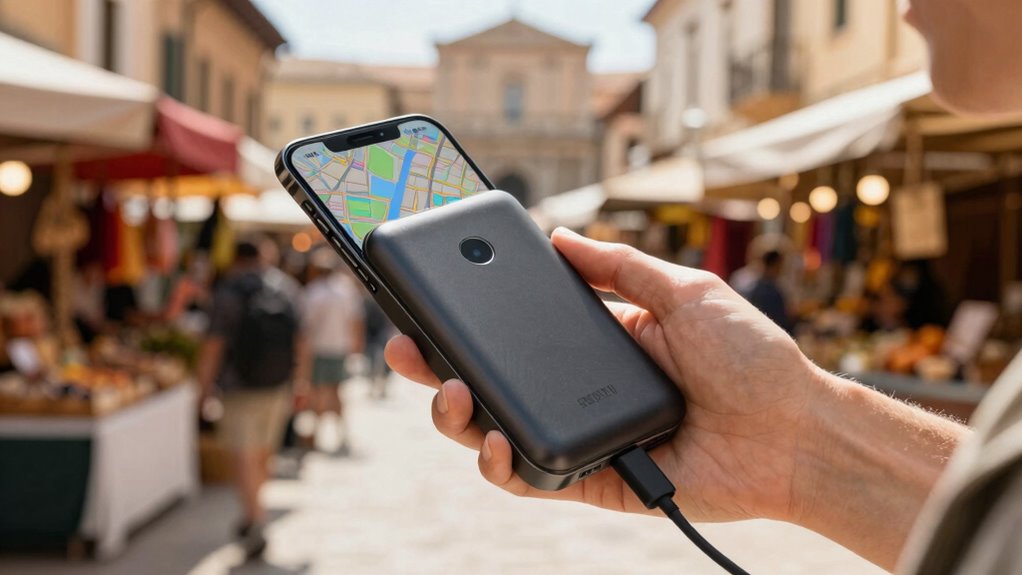
When you’re traveling, having a reliable battery life on your devices can be the difference between staying connected or being cut off. Your device’s battery health plays a vital role in guaranteeing it lasts through your busy day. Proper charging etiquette helps maintain that health; avoid letting your battery drain completely or stay fully charged constantly, which can degrade it over time. Instead, aim to keep your battery between 20% and 80%, especially when on the go. This practice prolongs your device’s lifespan and ensures it’s ready when you need it most. Staying mindful of your battery health means fewer surprises, less stress, and more confidence that your devices will support your travel adventures. Proper charging habits are indispensable for seamless connectivity on the road. Additionally, understanding battery maintenance strategies can further optimize your device’s performance over time.
How to Calculate Your Device Power Needs Before Traveling

Knowing your device’s power needs before traveling guarantees you stay connected without worry. Start by checking your device’s battery capacity, usually listed in milliamp-hours (mAh), and note how much energy it consumes during typical use. Consider device compatibility—some gadgets may require specific chargers or adapters, which can impact power consumption. Focus on energy efficiency by turning off unnecessary features like Bluetooth or Wi-Fi when not in use. Calculate your daily usage time and multiply it by the device’s power draw to estimate total energy needs. This helps you determine how much backup power you’ll require, ensuring your devices stay charged. Additionally, understanding the contrast ratio of your devices can help you optimize their power consumption for longer battery life. Being precise in this calculation prevents over- or underestimating your power needs, making your travel planning smoother.
How to Choose the Best Portable Power Banks for Travel
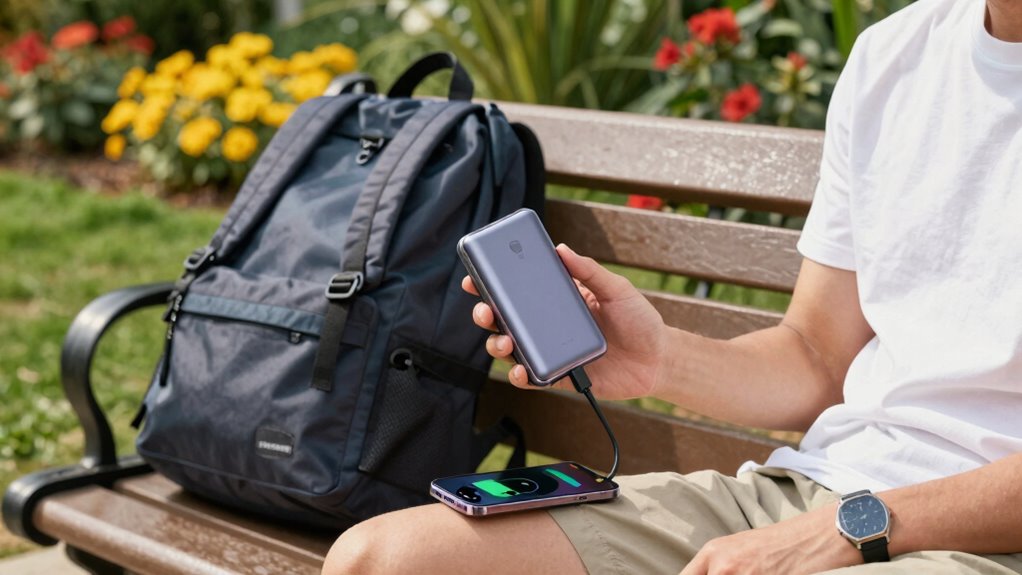
Choosing the right portable power bank for travel involves evaluating its capacity, size, and compatibility with your devices. Device compatibility is essential—ensure the power bank has the right ports and supports your device’s charging standards. Check the output power to guarantee fast, efficient charging. Size and weight matter; opt for a compact, lightweight model that’s easy to carry without sacrificing capacity. To find the best deal, do a price comparison across brands and retailers, considering features like multiple ports or fast charging. Look for reputable brands with good reviews to guarantee reliability and safety. Ultimately, balancing capacity, device compatibility, and cost will help you select a power bank that keeps your devices charged during your trip without adding unnecessary bulk. Understanding safety and reliability is crucial when choosing portable power sources for travel.
Practical Tips to Reduce Battery Drain During Your Trip
To extend your device’s battery life, start by optimizing your settings—lower screen brightness and turn off unnecessary notifications. Limiting background activities also helps, so close unused apps and disable background refresh. These simple steps can make a big difference during your trip. Additionally, consider using power-saving features available on most devices to further conserve battery life.
Optimize Device Settings
Ever wondered how small changes to your device settings can extend your battery life on the go? Start by calibrating your battery regularly to guarantee accurate readings, so you avoid overcharging or unnecessary drain. Check for firmware updates, as they often include battery optimization improvements that make your device more efficient. Adjust display brightness or enable auto-brightness to save power without sacrificing usability. Turn off vibrations or haptic feedback if you don’t need them, and disable location services when not in use. Managing Wi-Fi and Bluetooth settings by turning them off when not needed also helps conserve energy. Additionally, understanding power management protocols can help you better optimize your device’s energy consumption. These simple tweaks can notably extend your device’s battery life, making sure you stay connected throughout your trip without constantly searching for an outlet.
Limit Background Activities
Background activities can considerably drain your device’s battery, especially when you’re on the move. To conserve power, focus on limiting these background processes through app management.
You can:
- Close apps running in the background that you’re not using
- Disable background refresh for apps that don’t need real-time updates
- Turn off location services and notifications for non-essential apps
- Be aware of Free Floating features that may operate silently and consume power without your knowledge
Managing background activity prevents unnecessary battery drain and extends your device’s runtime. Regular app management ensures only essential processes run, reducing power consumption. Remember, many apps continue to operate silently in the background, even when not actively in use. By taking control of background activity, you make sure your device stays powered longer during your trip, helping you avoid running out of battery when you need it most.
How to Maximize Your Phone’s Battery Life in the Wild

To stretch your phone’s battery life in the wild, start by adjusting battery-saving settings and turning off features you don’t need. Using external power sources like portable chargers can keep your device alive longer, especially during long outings. Additionally, limiting background apps prevents unnecessary drain, ensuring your phone stays powered when it matters most. Regularly monitoring your device’s battery health can also help you anticipate and prevent unexpected shutdowns.
Battery-Saving Settings Optimization
Maximizing your phone’s battery life in the wild requires smart adjustments to your device’s settings. Start by enabling battery saver mode to limit background activity and reduce unnecessary energy drain. Lower your screen brightness or turn on auto-brightness to conserve power on your display. Turn off Wi-Fi, Bluetooth, and location services when not in use, as these can quickly deplete your battery. Additionally, disable push notifications for non-essential apps to prevent constant activity. These simple tweaks enhance energy management and support battery conservation during your trip. Visualize your phone with dimmed screens, deactivated sensors, and minimized background processes—all working together to extend your device’s juice when you need it most. Proper settings optimization is key to staying connected longer in the wild. Understanding power derating can also help tailor your device’s energy consumption based on environmental conditions.
External Power Sources Use
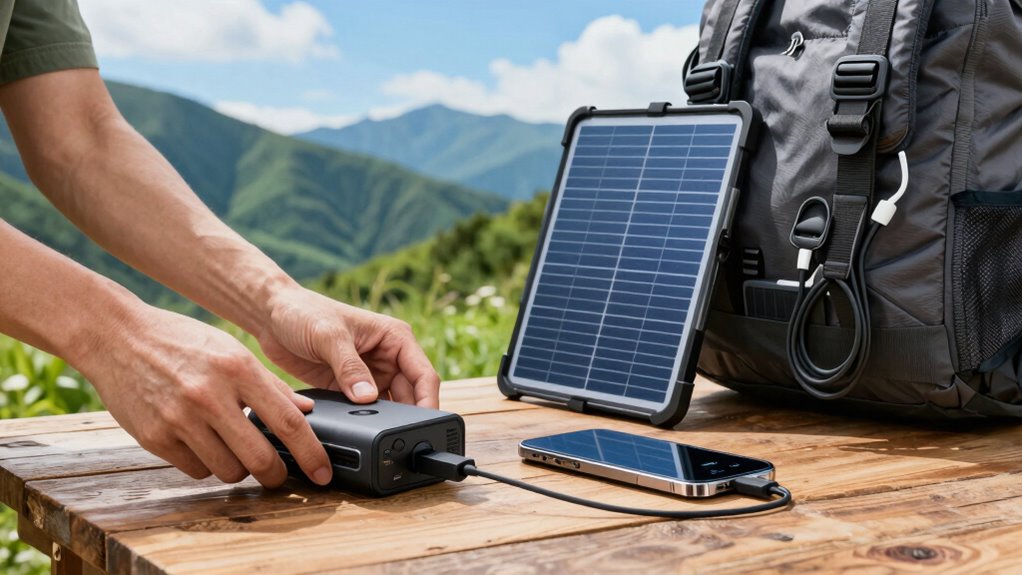
When your phone’s battery runs low in the wild, relying solely on its internal power isn’t enough. External power sources like solar panels and portable generators can extend your device’s life considerably. Solar panels are lightweight and eco-friendly; just position them in sunlight to charge your phone directly or power a portable battery pack. Portable generators provide reliable power, especially in cloudy conditions or longer trips, allowing you to recharge multiple devices or power other essentials. Keep a small solar panel or generator handy in your gear. Use them strategically—charge during breaks or when you’re stationary—to maximize your phone’s battery life. Combining these sources ensures you won’t be left stranded with a dead device, keeping you connected and safe in the wild. Incorporating power quality monitoring tools can help you manage your energy efficiently and protect your devices from power surges.
Limit Background Apps
Since many apps run in the background without your knowing, they can drain your phone’s battery quickly, especially in the wild where charging options are limited. Managing app background activity is essential for better battery management. To conserve power, close apps you aren’t using and disable background refresh for non-essential ones. Keep an eye on your settings to prevent apps from updating or syncing automatically. This reduces unnecessary drain, keeping your phone alive longer. Being aware of media literacy helps you recognize which apps or content might be unnecessarily consuming resources or spreading misinformation, allowing for better control over your device’s performance. Limiting background apps helps you control battery consumption, giving you more power when you need it most.
Top Travel-Friendly Charging Accessories and Gadgets
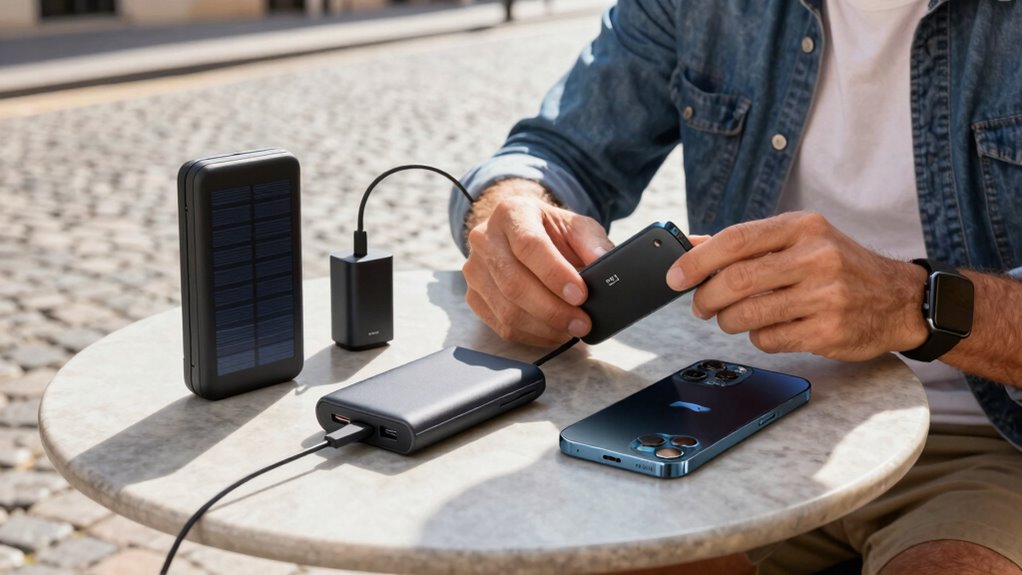
Travel-friendly charging accessories and gadgets are essential for keeping your devices powered up on the go. Wireless charging pads are compact and convenient, allowing you to top up your phone without dealing with cords. They’re perfect for hotel rooms or airports, offering quick and hassle-free charging. Solar panels are another great option, especially if you’re outdoors or in remote locations. Portable solar chargers can harness sunlight to recharge your devices, reducing dependence on traditional outlets. Look for lightweight, foldable designs that fit easily in your bag. Combining wireless chargers and solar panels gives you flexibility—use wireless charging indoors and solar panels outdoors. These accessories help you stay connected and avoid the panic of a dead battery, ensuring your devices are always ready when you need them.
How to Plan Charging Stops and Find Power Sources

Start by mapping out charging locations along your route to avoid surprises. Next, plan your stops around times when charging is most convenient, like meal breaks or rest periods. Finally, use power apps to quickly find nearby stations and check real-time availability, making your planning more efficient.
Map Charging Locations
Finding charging locations along your route is essential for a smooth trip. Using map charging tools helps you identify where to stop, ensuring you don’t run out of power unexpectedly. Start by researching available charging stations on your planned route and nearby areas. Consider using apps or online maps designed for location planning, which show real-time availability and station types. Look for stations that match your vehicle’s charging speed and connector type. Keep an eye on the distance between stops to avoid tight gaps. Additionally, note amenities at charging locations, like restrooms or cafes, to make your stops more comfortable. Proper map charging and location planning keep your trip efficient, stress-free, and well-prepared for any surprises.
Time Your Stops
Once you’ve identified charging locations along your route, the next step is to plan your stops so you arrive with enough power to reach each station comfortably. Timing your stops carefully helps you avoid running out of battery and guarantees you can charge efficiently. Follow charging etiquette by being respectful of other users and waiting your turn if needed. Always prioritize battery safety; don’t overcharge or leave your vehicle plugged in longer than necessary. Use your battery indicator to monitor your charge level and aim to arrive at stations with at least 20-30% remaining. Planning your stops in advance reduces stress, saves time, and keeps your trip smooth. Proper timing makes the charging process quicker and more convenient, letting you enjoy your journey without worry.
Use Power Apps
To efficiently plan your charging stops, leveraging Power Apps can be a game-changer. These apps help you manage your device’s power needs and locate nearby charging stations effortlessly. With power apps, you can:
- Map out charging points along your route using integrated location services
- Track your device management, including battery health and usage patterns
- Set alerts for when your battery reaches a certain level, prompting you to find a charger
What to Pack to Keep Your Devices Fully Charged
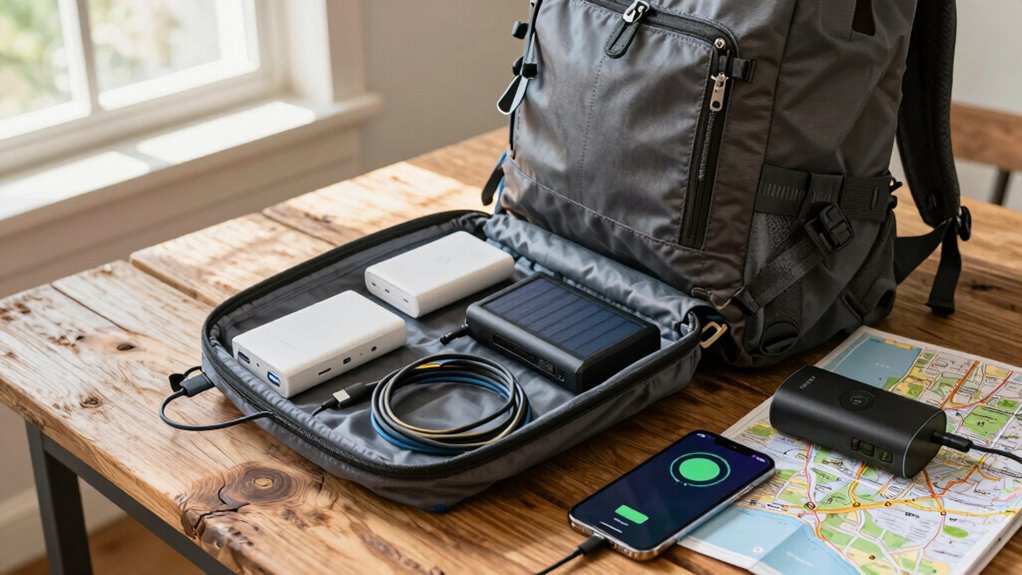
Carrying the right chargers and accessories is essential for keeping your devices powered throughout your trip. Focus on selecting chargers with good device durability to prevent unexpected failures. Pack universal adapters and multi-port chargers to maximize flexibility, especially if you’re traveling with multiple devices. Don’t forget portable power banks with sufficient capacity; they’re lifesavers during long days away from outlets. Practice proper charging etiquette by not overcharging your devices or leaving them plugged in unnecessarily, which can harm battery life over time. Keep all cables and adapters organized in a dedicated pouch to avoid losing important accessories. Being prepared with reliable chargers and mindful of device care guarantees your gadgets stay functional, so you can stay connected and capture memories without worry.
Troubleshooting Common Power Problems While Traveling
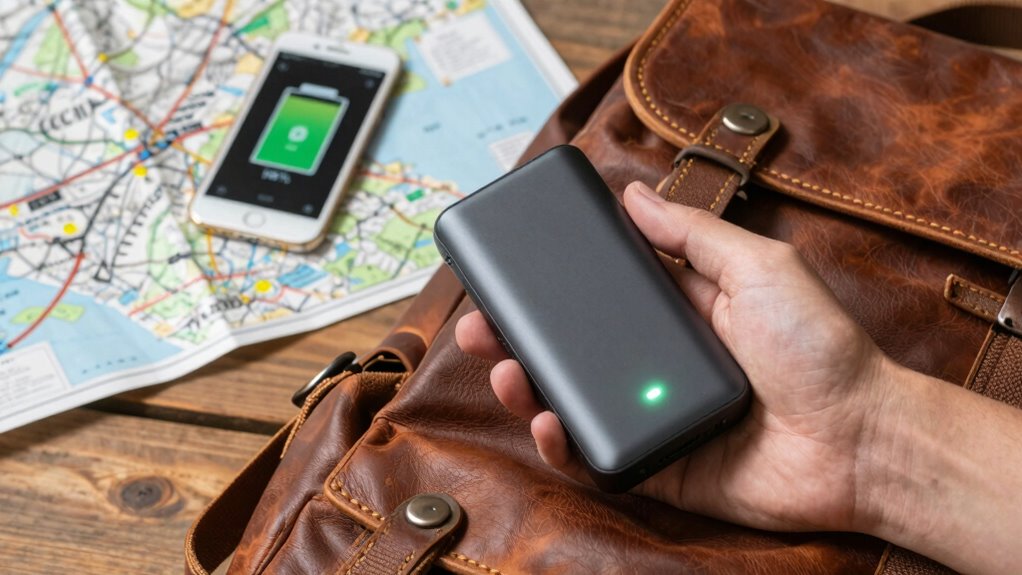
Power issues can disrupt your travel plans unexpectedly, but many problems are simple to troubleshoot if you know what to look for. First, check if your device is properly connected to a power source. Sometimes, a loose cable or faulty outlet causes charging failures. If you’re using a power strip, ensure it’s functioning and not overloaded. Solar charging can be unreliable in shaded areas or overcast weather; consider portable solar panels with built-in batteries for backup. Also, verify that your device’s charging port isn’t damaged or dirty. To avoid surprises, carry spare cables and adapters. Keeping these simple checks in mind helps you quickly identify issues and keep your devices powered throughout your trip.
Simple Habits to Keep Your Devices Charged Every Day
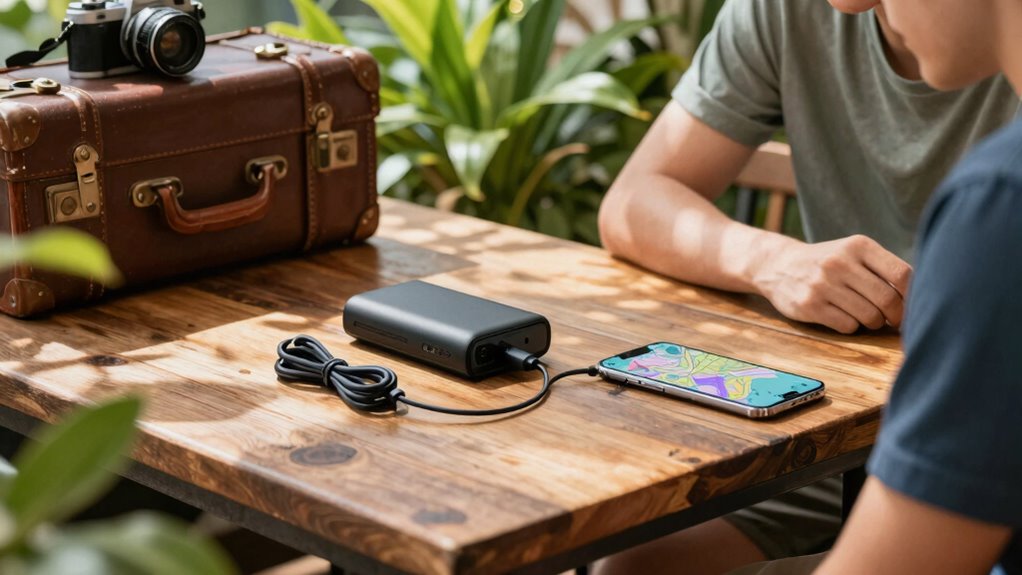
Establishing simple daily habits can considerably reduce the risk of your devices running out of battery when you need them most. First, debunk common battery myths—like fully draining your device before charging or charging overnight damaging the battery—so you can adopt better habits. Practice proper charging etiquette by plugging in your devices whenever you have a chance, especially during low usage times. Keep your battery between 20% and 80%; don’t let it consistently hit 0% or 100%, which can shorten lifespan. Use automatic brightness and turn off unnecessary features like Bluetooth or Wi-Fi when not in use. These habits help maintain your battery’s health and ensure your devices are ready when you need them most, whether traveling or daily use.
Frequently Asked Questions
How Can I Extend My Device’s Battery Lifespan During Travel?
To extend your device’s battery lifespan during travel, focus on battery optimization and smart charging habits. Keep your screen brightness low, turn off unused features like Bluetooth or Wi-Fi, and close background apps. Avoid frequent full charges; instead, aim for partial charges between 20% and 80%. Using a portable charger or power bank can help maintain these habits, ensuring your device stays powered without damaging the battery over time.
Are There Eco-Friendly Ways to Conserve Battery While Traveling?
Imagine you’re in a vintage car, and instead of a gas station, you find a solar charging station. To conserve battery eco-friendly, use solar charging whenever possible, harnessing sunlight to power your devices. Also, opt for eco-friendly accessories like biodegradable cases and energy-efficient chargers. These choices reduce your carbon footprint, helping the environment. By combining solar charging and eco-friendly accessories, you can travel sustainably while keeping your devices powered up.
What Are the Best Apps to Monitor Battery Health on the Go?
You should try apps like AccuBattery, CoconutBattery, or Battery Widget Reborn for battery monitoring on the go. These app recommendations help you track your battery health, usage patterns, and estimated lifespan, so you can optimize your device’s performance. Regularly checking your battery health with these tools allows you to identify issues early and extend your device’s usability during travel, ensuring you don’t run out of power unexpectedly.
Can Certain Travel Destinations Impact My Device’s Battery Performance?
Yes, your travel destination can impact your device’s battery performance. Limited power outlet availability means you might not charge often, so conserve energy. Higher altitudes can cause your device to heat up more, reducing battery life. To combat these issues, carry portable chargers, use power-saving modes, and plan for charging opportunities. Being mindful of these factors helps you keep your device powered throughout your trip.
How Do Weather Conditions Affect My Device’s Battery Life While Traveling?
Weather conditions directly impact your device’s battery life while traveling. High temperatures can cause your battery to drain faster and may damage it over time, so keep your device cool. Cold temperatures slow down chemical reactions, reducing battery efficiency. To stay charged longer, consider solar charging options and avoid exposing your device to extreme weather. Managing temperature effects helps maintain *best* battery performance during your trip.
Conclusion
Don’t let fear of running out of battery ruin your trip. With a little planning and these simple tips, you’ll stay connected and powered up no matter where you go. Some might think it’s complicated or extra hassle, but it’s really just about making smart choices. By taking control of your device’s power habits, you’ll enjoy your adventures without worry—so go ahead, explore confidently and stay charged!