


TL;DR

Get travel and outdoor gear delivered free with Prime
- Fast, free delivery on millions of items
- Prime Video, Amazon Music and more included
- Member-only deals all year
A local-first workflow can turn one video into a complete publishing kit—titles, descriptions, clips, and social posts—without cloud reliance. It offers faster, cheaper, and more private publishing for creators and teams.
Imagine finishing a single video and having a full suite of ready-to-publish assets—titles, clips, social posts—without uploading a thing to the cloud. Sounds like a dream, right? That’s what a local-first workflow promises: turning one raw video into a complete publishing kit, all on your own machine.
Why does this matter? Because cloud-based tools often come with hidden costs—subscription fees, privacy concerns, and vendor lock-in. In this article, I’ll walk you through how you can use a local system like ChannelHelm to streamline your production process, keep your data private, and cut costs. Ready to see how a single video can become a full publishing operation on your terms?
Key Takeaways
- A local-first workflow turns one video into a full publishing kit—titles, clips, social posts—without cloud uploads.
- Processing is layered: transcription, visual analysis, scene fusion, and intelligent scoring—done on your machine for accuracy and speed.
- You save money long-term by avoiding recurring cloud fees and keep full control over your data and assets.
- Hardware requirements are modest—modern PCs with decent GPUs can handle most tasks smoothly.
- Tradeoffs include less remote collaboration, but the privacy, speed, and cost benefits often outweigh this for individual creators and small teams.
Products Worth Considering

GoPro Wireless Mic Complete Kit with 2 Transmitters, 2 Receivers, and Charging Case

Amazon Kindle Paperwhite Signature Edition (12th Generation, 2024), 32 GB, Metallic Black

Amazon Kindle Paperwhite (2024), 16 GB, 7-inch Display, Jade
As an affiliate, we earn on qualifying purchases.
How a local workflow transforms your video production
Local processing isn’t just about storage—it’s about understanding your video deeply. Take ChannelHelm, for example. It analyzes your video on four layers: audio, visuals, fused scenes, and intelligence. This means it doesn’t just transcribe what’s said; it knows who says it, when, and what’s on the screen.
Picture this: you upload a 20-minute interview. The system detects scene changes, OCRs the on-screen text, and aligns all this info into a structured log. When it drafts your titles and snippets, it’s pulling from actual meaningful moments, not just high-energy clips. That’s how it creates assets that truly match your video’s core message.
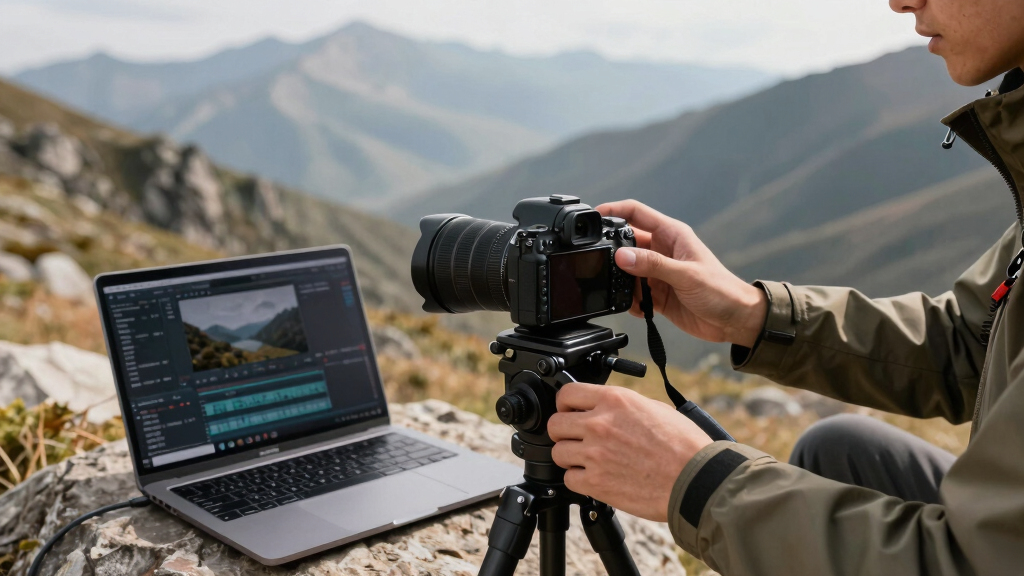
Step-by-step: How to turn one video into a full publishing kit without the cloud
- Drop your video or link: Just drag a file or paste a URL. The system detects your channel and sets up automatically.
- Let it understand: Background workers transcribe, analyze visuals, and fuse data. This takes a few minutes for an average 15-minute video.
- Review assets: In the Studio, see your titles, descriptions, clips, and social posts drafted and scored. Edit or regenerate as needed.
- Approve and publish: With a click, send your assets to YouTube, Instagram, TikTok, or wherever—no cloud required, everything stays local until you push publish.
The beauty? You can start editing assets while others are still processing, thanks to the system’s layered progress view.
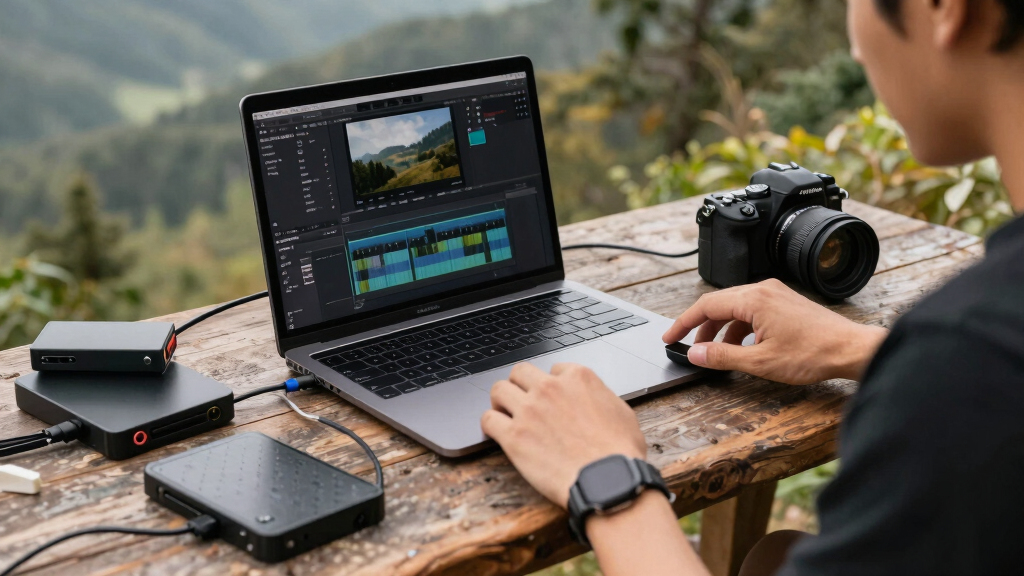
Why local beats cloud for privacy, costs, and control
Running everything locally means your video data stays on your machine. No uploads, no data leaks. This is a game-changer for privacy-conscious creators or teams working with sensitive content. Plus, you avoid monthly subscription fees charged by cloud services.
Cost-wise, you pay once for hardware and software, then keep generating assets without ongoing fees. And you gain total control—no vendor locks, no API limits, just your machine doing the heavy lifting.
For example, a YouTuber with a modest setup can process and publish ten videos a week, saving hundreds in cloud fees and hours of upload time. The local workflow accelerates production, keeps your data secure, and puts you in the driver’s seat.
Compare local publishing kits vs cloud-based tools — which wins?
| Feature | Local Workflow | Cloud-Based Tools |
|---|---|---|
| Privacy | Data stays on your machine—full control | Uploads to third-party servers—potential risks |
| Cost | One-time hardware/software purchase | Monthly subscription fees |
| Speed | Fast processing on your hardware | Dependent on internet speed and server load |
| Flexibility | Full control, customizable workflows | Limited by platform constraints |
| Collaboration | Requires local network or manual sharing | Easy remote collaboration via cloud |
What hardware do you need to run this system?
Good news: you don’t need a supercomputer. A modern PC or Mac with at least 16GB RAM and a decent GPU handles most tasks comfortably. For longer videos or batch processing, consider upgrading to 32GB RAM and a dedicated GPU.
Storage is key. A 1TB SSD is enough for most creators, but if you’re processing 4K content or multiple videos, a 4TB or larger drive is smart. Remember, processing stays on your device, so plan your hardware based on your typical file sizes.
Example: A YouTuber editing 10-minute clips in 4K might need a system with a dedicated GPU like an RTX 3060 or better, plus ample SSD storage.
What outputs can you generate — and how automated is it?
From a single source video, you can produce everything you need: titles, descriptions, social posts, short clips, full transcripts, and even blog drafts. The process is highly automated, with AI scoring options and generating drafts based on your video’s key moments.
Want to create multiple formats? Just select the desired assets—vertical clips for TikTok, article drafts for blogs, or social threads—and let the system do the heavy lifting. You can also customize outputs or regenerate specific assets easily.
For example, a creator might generate a 15-second TikTok clip, a detailed YouTube description, and a LinkedIn post all from one upload—saving hours of manual editing.
How does this compare with cloud publishing kits?
Cloud kits often promise quick setup and easy collaboration, but they come with recurring costs and privacy tradeoffs. Local workflows, like with ChannelHelm, require initial hardware investment but pay off long-term with no ongoing fees and total data control.
While cloud tools may have a slight edge in remote collaboration, local systems excel in speed, privacy, and customization. Plus, they’re less vulnerable to internet outages or vendor changes.
In short, if you value privacy and control, a local publishing kit can outperform cloud-based solutions on speed and cost over time.
Who should try this? Creators, teams, or big publishers?
This approach works well for individual creators, small teams, and even larger publishers wanting more control. If you produce content regularly, want to keep your workflow private, or dislike recurring fees, a local system is a smart choice.
For teams, it enables faster collaboration without cloud dependencies. Big publishers benefit from automation, saving time on repetitive tasks and maintaining full ownership of their assets.
Example: A podcast producer uses a local system to transcribe, clip, and publish episodes daily—saving hours and ensuring privacy at every step.

What are the tradeoffs of going offline?
Choosing local processing means accepting some limits. Remote access isn’t built-in—so collaborating across locations requires sharing assets manually. Also, hardware upgrades may be needed as your content scales.
But for many, these tradeoffs are minor compared to the privacy and cost benefits. Plus, you control updates and workflows, not a vendor.
In practice, many creators find the speed and security gains outweigh the inconvenience of local-only access.
Frequently Asked Questions
What exactly is generated from the original video?
The system creates titles, descriptions, social posts, short clips, transcripts, and even blog drafts—all based on analyzing the video’s key moments and themes. It’s a full content package in one go.
Is the processing fully local, or are some steps cloud-based?
The entire workflow is designed to run locally, from transcription to asset generation. Some advanced features or updates might require internet, but core processing stays on your device, preserving privacy and control.
How private is this compared to cloud tools?
Since all processing happens on your hardware, your video data never leaves your machine. This offers a significant privacy advantage, especially for sensitive or proprietary content.
What formats or outputs can I produce?
You can generate a wide range of outputs: titles, descriptions, social posts, vertical clips, transcripts, blog drafts, and more. The automation makes it easy to produce multiple formats from one source video.
What hardware do I need to run this system?
A modern PC or Mac with at least 16GB RAM and a decent GPU (like an RTX 3060 or better) will handle most processing tasks. Storage depends on your file sizes, but 1-4TB SSDs are common for active creators.
Conclusion
Switching to a local, automated publishing workflow isn’t just about technology; it’s about reclaiming control. You handle your videos on your terms, with speed, privacy, and savings in your pocket. Imagine the freedom of turning a single upload into a full media campaign—without relying on the cloud or vendor lock-in.
Ready to take the wheel? Explore tools like ChannelHelm and start building your own on-device publishing kit today. Your content, your rules, your machine.